Score every point.
Just tap.

TT Scoreboard: Calculator
The table tennis scoreboard that keeps up with the rally. Tap a player's side or swipe to score, and let the app track service and end changes for you.
Free, with banner ads on the setup and match history screens. An optional subscription removes them.

- Price
- Free
- Category
- Sports
- Requires
- iOS 15.0+
- Size
- 27.5 MB
Built for the table
- Tap or swipe to score
- Undo any point
- Screen stays on while you play
- Resume unfinished matches
Try it right here.
A tap on either side is all it takes. This is how scoring feels in the app.
Alex 0, Sam 0. Alex serving.
Tap a side to add a point. Drag down on a side, or tap Undo, to take one back.
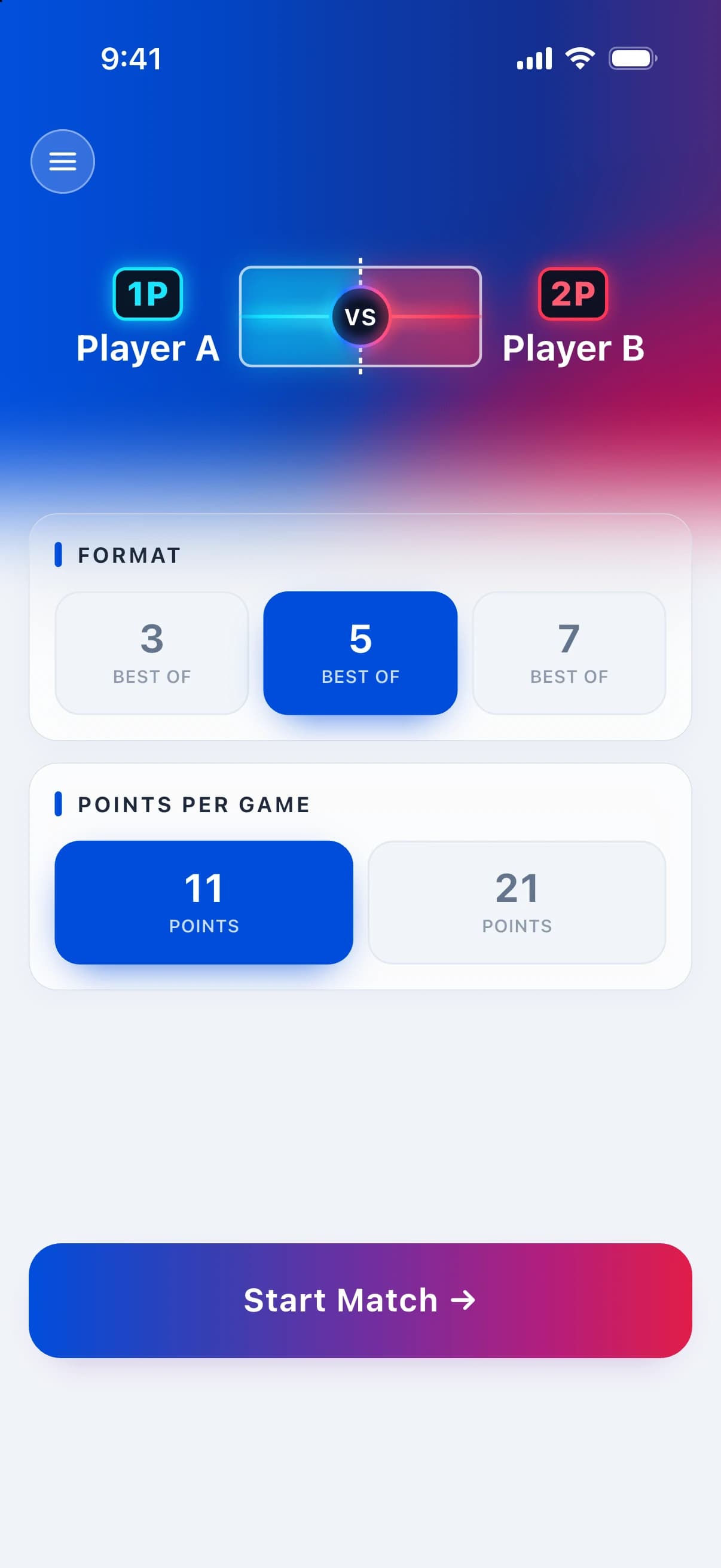
Pick a format and play
Choose best of 3, 5, or 7, enter the players, and start the match.
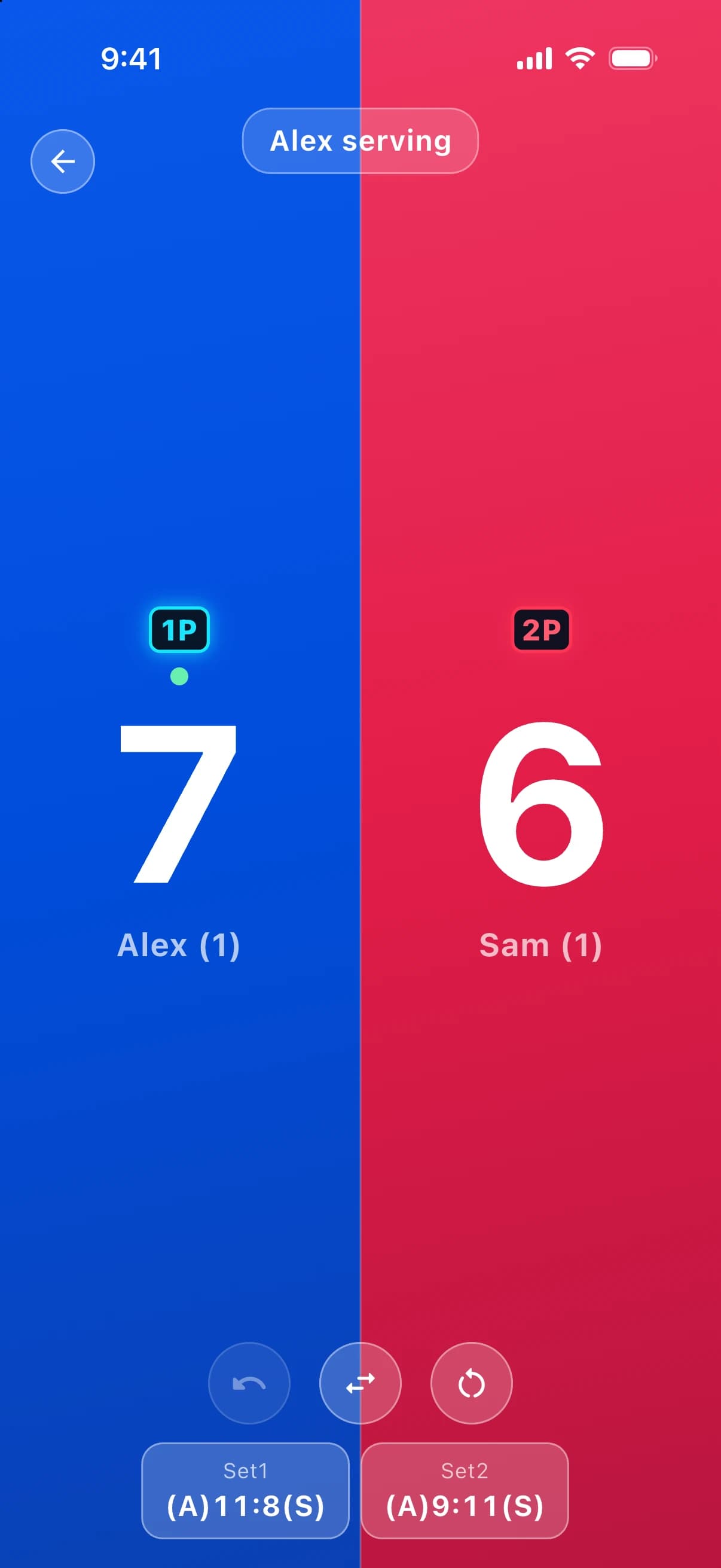
Settle the first serve
Choose who serves first, or flip a coin and let luck decide. Service is tracked from there.
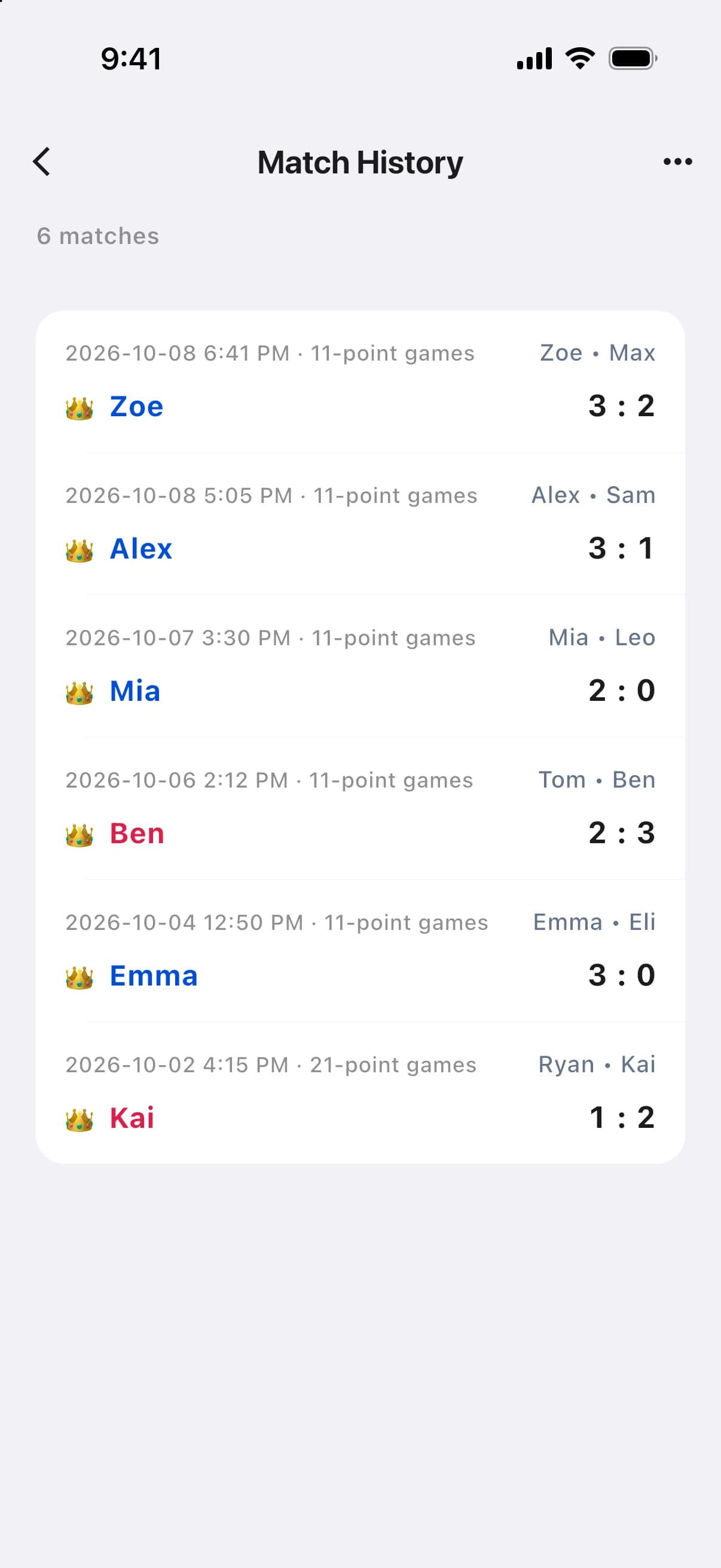
Every match, remembered
Your match history keeps the date, players, and final score of every match you've played.
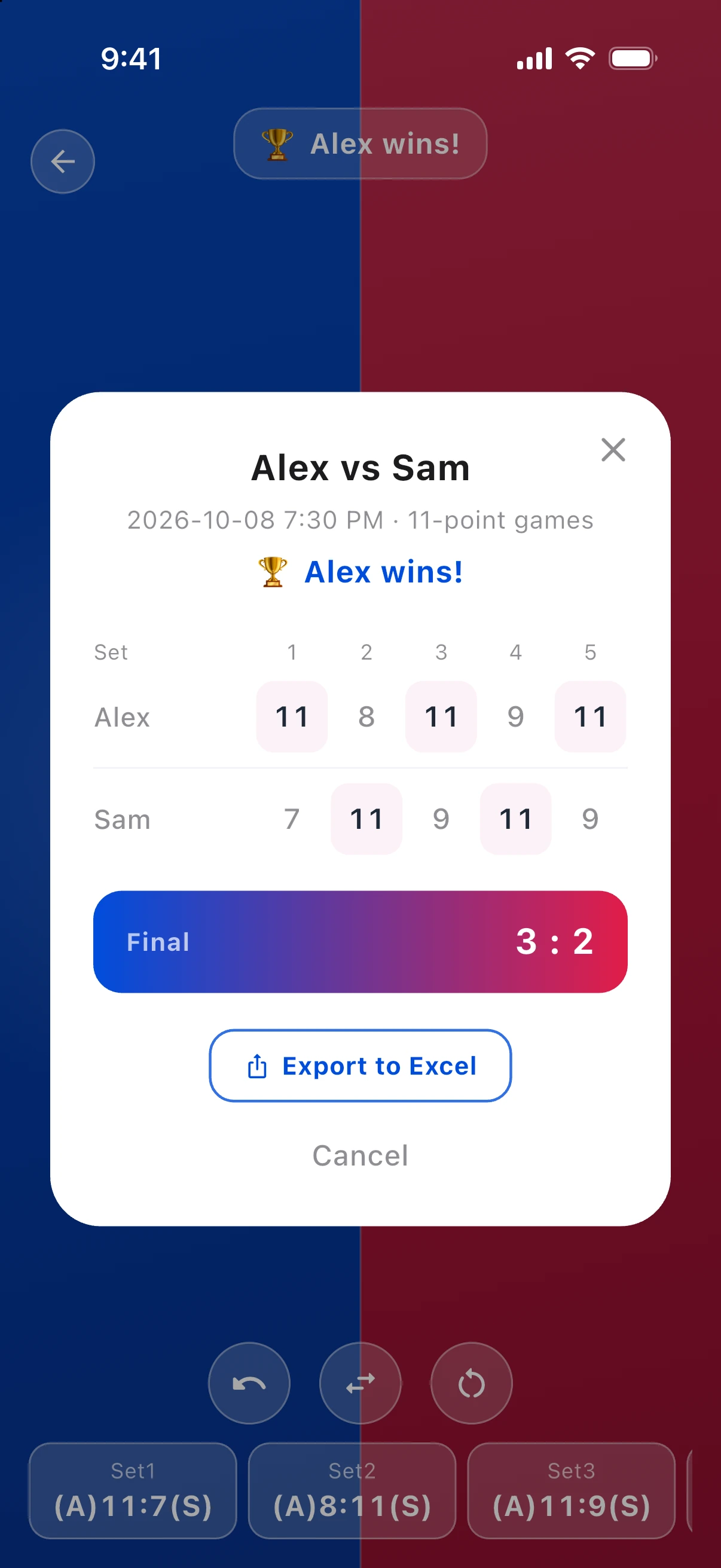
Celebrate the win, then share it
See a game-by-game breakdown when the match ends, and export it to Excel to share with the group.
From first serve
to final point.
- 1
Set up the match
Pick a format and enter the players.
- 2
Decide who serves
Choose the first server, or flip a coin.
- 3
Tap or swipe to score
Add points with a tap or swipe. The app tracks service and games.
- 4
Save and share
Review the result, then export the match to Excel.
Everything the match needs. Nothing it doesn't.
A scoreboard should disappear into the game. This one does.
Tap or swipe
Tap a player's side, or swipe up, to add a point. Swipe down to take one back. The whole screen is your scoreboard.
Service handled
Games play to 11 points. Service and end changes are tracked for you, so nobody has to remember who serves next.
Undo anything
Tapped the wrong side? Undo any point, even across games, and carry on.
Pick up where you left off
Close the app mid-match and resume the unfinished match later, exactly as you left it.
History and Excel export
Browse every match you've played, then export any match to Excel and share it.
Screen stays on
TT Scoreboard keeps the screen awake while you score, so it's ready for the next rally.
Q&A
Is TT Scoreboard free?
Yes. The app is free and shows banner ads on the setup and match history screens. An optional auto-renewing monthly subscription, TT Scoreboard Ad-Free, removes the ads. The App Store shows the price before you confirm. It renews automatically unless you cancel at least 24 hours before the end of the period. You can manage or cancel it in your Apple Account settings, and Restore Purchases in the app turns ad removal back on after a reinstall or on a new device.
Can I take back a point?
Yes. Swipe down to remove a point, or use Undo to step back through points, even across games.
What happens if I close the app mid-match?
TT Scoreboard lets you resume an unfinished match after you reopen the app.
Can I save or share a match?
Yes. Open a match from your history and export it to Excel to share it.
Which devices and languages are supported?
TT Scoreboard runs on iPhone and iPad with iOS 15 or later, in English and Chinese.
Where can I get help?
Visit the support page below, or use the feedback form on our homepage.
Keep score. Keep playing.
Download TT Scoreboard and let the app handle the numbers.